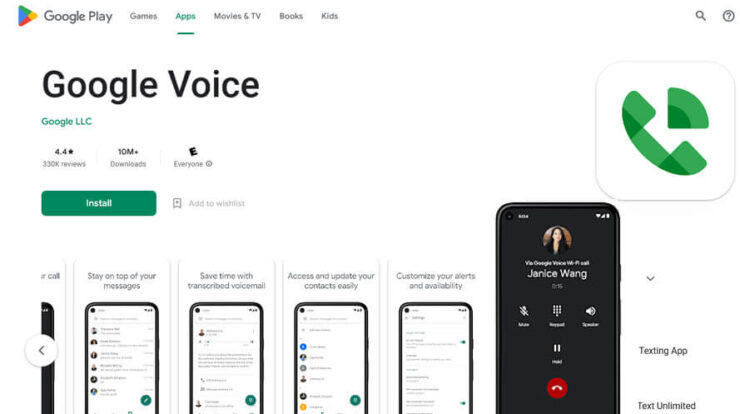
Best Apps for Easy Video Calling – Staying connected has never been easier, thanks to the wide range of video call apps available today. Whether you’re working remotely, catching up with friends, or hosting online classes, the right video call app can make all the difference. In this guide, we explore the top video call applications you can download in 2025, complete with their features, compatibility, and reasons why each app stands out.
Why You Need a Reliable Video Call App
A stable and feature-rich video call app ensures smooth communication without lag, interruptions, or complicated setup. With more interactions happening online—business meetings, virtual events, and even family gatherings—the demand for high-quality video communication tools is higher than ever.
Top Video Call Apps to Download in 2025
1. Zoom
Zoom remains one of the most popular video conferencing apps worldwide. Known for its stability and user-friendly interface, it supports high-quality video, screen sharing, and breakout rooms—making it perfect for both professional and personal use.
- Platforms: Windows, macOS, Android, iOS
- Best For: Online meetings, webinars, remote work
- Key Features: HD video calls, recording, backgrounds
2. Google Meet
Formerly known as Hangouts Meet, Google Meet has become a powerful and secure choice for video calls. Integrated directly with Google Workspace, it’s fast, lightweight, and ideal for school or office communication.
- Platforms: Web, Android, iOS
- Best For: Education, business, casual meetings
- Key Features: No installation needed (web-based), noise cancellation, live captions
3. Microsoft Teams
Microsoft Teams combines chat, file sharing, and meetings in one place. It’s highly popular among corporate users thanks to its integration with Microsoft 365 tools.
- Platforms: Windows, macOS, Android, iOS
- Best For: Office collaboration and team meetings
- Key Features: Collaborative workspace, channels, robust security
4. WhatsApp
For quick personal video calls, WhatsApp is one of the easiest options. With over 2 billion users worldwide, it supports secure, encrypted calls and works smoothly on both Wi-Fi and mobile data.
- Platforms: Android, iOS, WhatsApp Web
- Best For: Personal communication
- Key Features: End-to-end encryption, group video calls, seamless messaging
5. FaceTime
Exclusive to Apple devices, FaceTime delivers ultra-clear video and audio quality. It’s ideal for iPhone, iPad, and Mac users looking for a simple, built-in solution.
- Platforms: iOS, macOS
- Best For: Apple-to-Apple communication
- Key Features: SharePlay, HD calls, Memoji integration
How to Choose the Best Video Calling App
Before downloading, consider the following:
- Compatibility: Make sure the app supports your device.
- Purpose: Work, school, or personal calls.
- Features: Screen sharing, recording, backgrounds, encryption.
- Internet Requirements: Apps vary in data usage.
Conclusion
With so many video call apps to choose from, the best option depends on your needs—whether it’s professional collaboration, online learning, or personal conversations. Downloading the right video call app will ensure smoother, clearer, and more reliable communication every time. Explore the apps above and pick the one that fits your lifestyle in 2025.